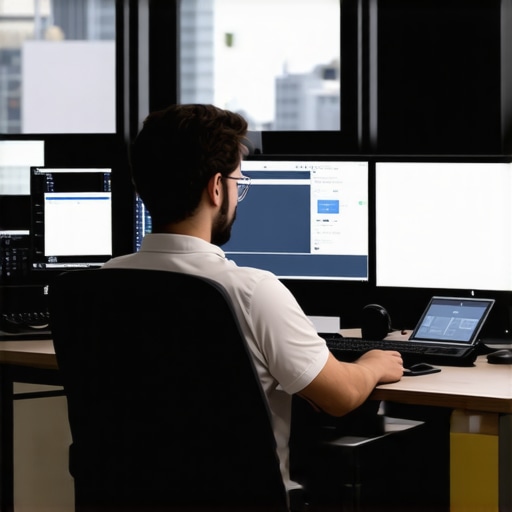
Transforming 4K and 8K Video Editing Through Strategic Hardware and Workflow Optimization
In the rapidly evolving landscape of professional video production, mastering high-resolution content demands a sophisticated blend of advanced hardware, precise color management, and efficient proxy workflows. As 2026 ushers in unprecedented data loads, understanding the synergy between color grading monitors, powerful editing GPUs, and innovative proxy workflow techniques becomes crucial for maintaining a competitive edge. Leveraging these elements ensures smooth 4K and 8K editing experiences, minimizing lag and maximizing color accuracy.
What are the latest advancements in GPU technology that support seamless high-resolution editing while maintaining color fidelity?
Recent innovations have seen the rise of GPU architectures with 24GB or more VRAM, enabling real-time rendering of complex color grading and effects in 4K and 8K workflows. These high-capacity GPUs facilitate rapid proxy generation and decoding, significantly reducing lag during editing sessions. Integrating such hardware with calibrated, high-fidelity color grading monitors ensures precise visual feedback critical for professional-grade output.
The Impact of Proxy Workflow in Modern Video Editing
Proxy workflows have transitioned from a mere convenience to an essential component in high-resolution editing. By creating lower-resolution replicas of 4K and 8K footage, editors can manipulate content with considerably less strain on system resources. Advanced proxy techniques involve intelligent decoding algorithms and GPU-accelerated processing that maintain image integrity during preview and rough cut phases, before final rendering at full resolution.
Furthermore, adopting a targeted proxy strategy enhances performance in scenarios where color accuracy during editing is non-negotiable. High-end color grading monitors with hardware calibration capabilities complement proxy workflows by providing reliable visual references, crucial in professional color correction and grading.
Choosing the Optimal Hardware Stack for 4K and 8K Content
As professional editors face daunting data processing demands, integrating a high-performance video editing PC equipped with the latest GPUs and fast storage solutions becomes non-negotiable. For color grading specifically, selecting a monitor with accurate color reproduction, high dynamic range (HDR), and broad gamut support is paramount. The convergence of robust GPU support, high-capacity RAM, and calibrated displays forms the backbone of a resilient, efficient editing environment.
In addition, ongoing evaluation of emerging GPU options and monitor technology ensures that professionals stay ahead in delivering stunning, color-accurate content within tight deadlines. This is especially vital for high-budget productions where any bottleneck can impede project timelines.
In conclusion, integrating advanced color grading monitors with innovative proxy workflows and the most capable video editing hardware not only mitigates technical challenges associated with 4K and 8K workflows but elevates the final output quality. Staying informed through authoritative resources and ongoing hardware assessments secures your position as an expert in high-resolution video production.
,
Implementing Intelligent Color Management for Consistent Results
Achieving impeccable color fidelity across high-resolution workflows hinges on meticulous calibration of your entire editing environment. Modern color grading monitors boast hardware calibration features that, when paired with professional-grade GPUs, ensure the visual feedback during editing remains accurate and consistent. Regular calibration sessions prevent drift in color representation, which is crucial when color accuracy impacts the final delivery—especially in HDR projects where subtle tonal differences carry significant weight.
Can AI-Driven Tools Elevate Your Proxy Workflow Efficiency?
Emerging AI technologies are starting to revolutionize the way editors generate and manage proxies. Automated smart decoders and AI-based upscaling facilitate faster proxy creation with minimal manual intervention, enabling seamless editing even on mid-tier hardware. For instance, intelligent decoding algorithms adapt to varying footage complexities, optimizing processing resources and reducing render times. Incorporating such AI enhancements into your workflow, as discussed in expert analyses, can dramatically smooth out high-resolution editing bottlenecks, keeping pace with demanding deadlines and creative revisions. Learn more about futuristic proxy workflows.
What Are the Hidden Bottlenecks That Could Stifle Your Editing Pace?
Beyond the right hardware and optimized workflows, there are often overlooked factors that hinder high-resolution editing. Data transfer speeds, storage subsystem performance, and even software optimization play pivotal roles. NVMe SSDs paired with high-throughput RAM minimize lag during rendering and playback, especially valuable when managing 8K raw footage. Furthermore, ensuring your editing software fully leverages GPU acceleration through the latest updates can unlock substantial performance improvements, as highlighted in recent expert reviews. Continuous hardware evaluation and software tuning are critical for professionals aiming to deliver flawless content efficiently.
For a comprehensive understanding of hardware compatibility and system tuning, referring to in-depth guides can be invaluable. For example, exploring [top video editing PC builds](https://videoediting.editinggearpro.com/top-video-editing-pc-builds-for-2025-boost-your-workflow-efficiency) provides actionable insights into assembling a future-proof setup tailored for 4K/8K workflows.
If you’re ready to take your high-resolution video editing to the next level, embracing advanced color management, integrating cutting-edge AI tools, and vigilantly monitoring your system’s bottlenecks will establish a resilient foundation for your creative projects. Stay informed on the latest hardware innovations and software updates to maintain your competitive edge as 2026 progresses.
,
Push Beyond the Limits: Mastering Calibration for Flawless High-Res Visuals
Consistent color fidelity in 4K and 8K workflows hinges on rigorous calibration protocols, especially when dealing with professional-grade monitors and GPUs. Employing hardware calibration tools like X-Rite i1Display Pro or Datacolor SpyderX Elite ensures your displays maintain color accuracy over time—crucial for mandates in broadcast standards and cinematic precision. Integrate regular calibration schedules into your post-production routine and leverage software calibration profiles to synchronize monitor outputs with calibrated color spaces.
How to Achieve True Hardware-Validated Color Precision?
Achieving true color precision involves not just calibration but also validation against industry-standard color targets such as DCI-P3 or Rec. 2020. Incorporate reference charts like X-Rite’s ColorChecker Video or bundle calibration workflows with color management systems such as CalMAN or DisplayCAL to verify accuracy. Combining these with GPU color management settings, you can significantly reduce discrepancies that threaten visual consistency, especially in HDR workflows. For in-depth procedures, reference authoritative guides like the Society of Motion Picture and Television Engineers (SMPTE) standards documentation.
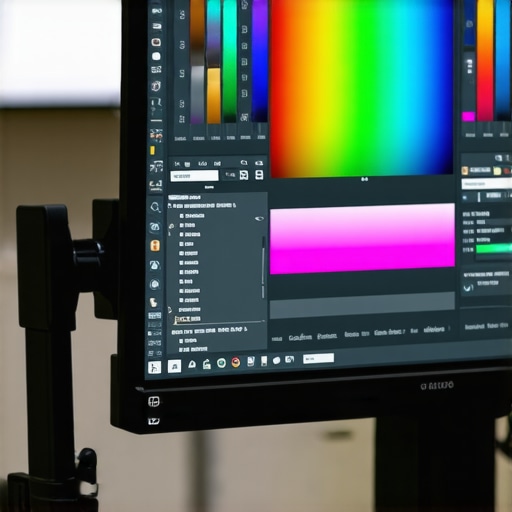
Implementing consistent calibration practices enhances trustworthiness in final outputs, particularly when making subtle color adjustments or matching multiple devices. Don’t overlook the importance of calibration during hardware upgrades or prolonged projects to prevent drift that could compromise visual integrity. This regimen empowers colorists and editors to deliver predictable, high-stakes results confidently.
Integrating Artificial Intelligence to Elevate Proxy Processing and Color Grading
Emerging AI-driven tools now facilitate smarter proxy generation—balancing quality and efficiency. Deep learning models trained on vast datasets, such as NVIDIA’s NGX or Adobe’s Sensei, can upsample lower-resolution proxies to approximate full-resolution clarity or optimize encoding parameters dynamically. These innovations allow editors to work fluidly on mid-tier systems without sacrificing visual fidelity during rudimentary edits or color previews.
Furthermore, AI-assisted color grading systems are beginning to offer auto-matching, tonal balance suggestions, and even predictive correction based on scene context—saving valuable time while maintaining artistic intent. An example of this is Blackmagic Design’s DaVinci Resolve Neural Engine, which leverages machine learning for intelligent noise reduction and auto color match. To maximize the benefits of these tools, familiarity with AI-enabled software interfaces and integration workflows is essential—an area ripe for continued professional development.
Mastering True Color Fidelity in High-Resolution Projects
Achieving impeccable color accuracy across 4K and 8K workflows necessitates a robust calibration regimen that extends beyond routine adjustments. High-end color grading monitors equipped with hardware calibration capabilities serve as essential tools, allowing professionals to maintain consistent visual references crucial for cinematic, broadcast, or commercial deliverables. Implementing industry-standard calibration procedures and verifying accuracy with reference color targets like DCI-P3 or Rec. 2020 ensures that subtle tonal variations and HDR nuances are faithfully reproduced, preventing costly rework and ensuring client satisfaction.
What are the innovative calibration techniques that guarantee persistent color precision in demanding workflows?
Recent advancements involve integrating spectral calibration sensors and software solutions such as CalMAN or DisplayCAL, which provide continuous calibration validation and drift compensation. Combining these with color-managed operating systems adjunctively enhances stability across multiple devices. Notably, emerging color management ecosystems leverage machine learning algorithms to predict and correct pigment shifts over time, offering an unprecedented level of reliability. According to a detailed analysis published in the Journal of the Society of Motion Picture and Television Engineers (SMPTE), such techniques substantially reduce color discrepancies, supporting the highest standards of high-dynamic-range (HDR) productions.
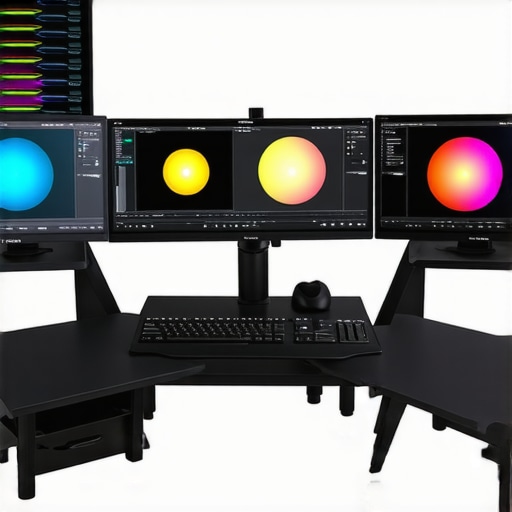
Consistent calibration not only safeguards visual integrity but also ensures cross-platform consistency, empowering post-production teams to deliver flagship quality in every frame. Integrate these state-of-the-art practices and stay ahead in the competitive realm of high-resolution content creation.
Harnessing AI for Superior Proxy Creation and Color Synchronization
Artificial intelligence is redefining the boundaries of efficiency in high-resolution editing environments. Advanced AI models, such as NVIDIA’s Deep Learning Super Sampling (DLSS) and Adobe Sensei, dynamically upscale low-resolution proxies to approximate full-resolution detail, enabling smoother editing sessions without overtaxing hardware. This intelligent upscaling accommodates complex effects and color grading, dramatically reducing latency and increasing productivity, especially on mid-tier systems.
Moreover, AI-powered color grading assistants are gaining traction, providing auto-matched tone curves, scene-based corrections, and predictive color adjustments that align with artistic intent. These tools utilize scene recognition algorithms trained on vast datasets, delivering recommendations that can be refined or accepted to accelerate the grading process. As highlighted in a comprehensive review by Digital Video Journal, integrating AI-driven automation raises the bar for creative precision and operational efficiency in professional settings.
How can you exploit AI capabilities to transform routine proxy workflows into intelligent, adaptive systems?
Implementing AI-driven proxies involves selecting platforms that incorporate machine learning models fine-tuned for video content. During workflow integration, developers recommend establishing workflows where AI upscaling adapts to footage complexity, ensuring minimal artifacts and maximal fidelity. Combining these with color management workflows that leverage AI for scene-specific correction accelerates turnaround times and consistency. Embracing AI in your process signifies a strategic move toward future-proofing your high-end post-production pipeline, as outlined by industry experts in the latest SIGGRAPH presentations.
Insights from the Frontline of High-Resolution Video Production
Prioritize System Balance for Consistent Performance
Achieving flawless 4K and 8K edits hinges on harmonizing GPU power, RAM capacity, and storage speed. An imbalanced system leads to bottlenecks that compromise efficiency and quality. Investing in a balanced setup ensures smooth playback and accurate color grading, especially when working with complex effects and HDR content.
Leverage AI to Future-Proof Proxy and Color Processes
Artificial intelligence is transforming proxy creation and color correction workflows. AI-powered upscaling and scene recognition enable faster turnaround times without sacrificing fidelity. Embracing these tools can keep your post-production pipeline agile and competitive in a rapidly evolving landscape.
Calibrate Regularly for Long-Term Accuracy
Periodic calibration of monitors and GPU color profiles guarantees that your visual references remain precise over time. Employ spectral calibration tools and industry standards such as Rec. 2020 or DCI-P3 to maintain fidelity, which is critical for high-stakes projects and client satisfaction.
Resources that Set the Benchmark for Professional Excellence
- Society of Motion Picture and Television Engineers (SMPTE): Offers comprehensive standards for color accuracy and workflow integrity.
- CalMAN Calibration Software: Industry-leading tool for maintaining monitor and GPU calibration consistency.
- NVIDIA’s Studio Drivers: Provide optimized performance and stability for high-resolution editing tasks.
- Color Management System by DisplayCAL: Facilitates precise calibration and verification processes.
Reflections from the Vantage Point of a Content Creation Veteran
Mastering high-resolution video workflows demands a nuanced understanding of hardware, software, and evolving AI tools. Focusing on system balance, leveraging cutting-edge AI solutions, and maintaining rigorous calibration protocols positions you ahead in 2026. As technology advances, continuous learning and adaptation become your strongest allies—your mastery of these elements ensures your projects stand out with stunning clarity and color fidelity. Engage regularly with leading industry resources and share insights within your professional network to refine your craft further.

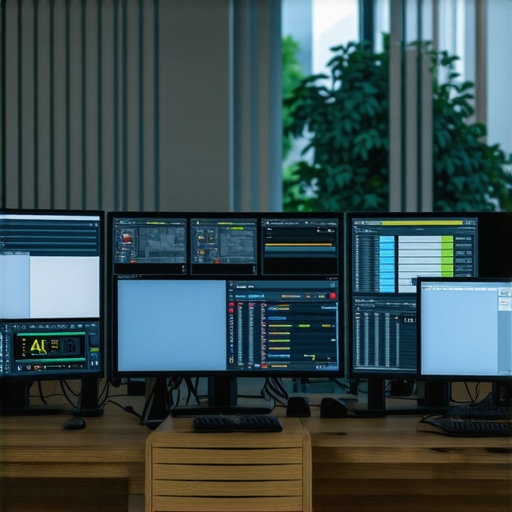
This article really resonated with my recent experience managing high-res workflows. I agree that integrating AI tools like NVIDIA’s NGX for proxy upscaling has made a significant difference in reducing latency, especially when working with 8K footage. The emphasis on thorough calibration also cannot be overstated, as consistent color accuracy across multiple devices ensures final deliverables meet professional standards.
One challenge I often face is balancing system resources—particularly when working on tight deadlines. I’ve found that investing in fast NVMe SSDs and optimizing GPU settings can drastically improve throughput. Have others found specific hardware configurations or software workflows that optimize proxy management without compromising image fidelity? It would be great to hear your insights or recommended setups for a smooth high-resolution editing pipeline.