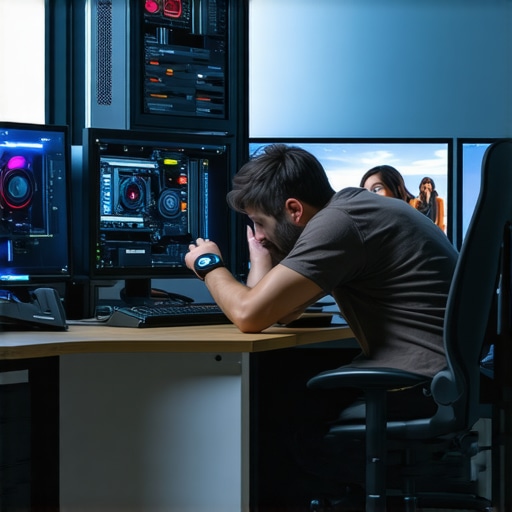
Mastering Proxy Workflow: The Bedrock of Efficient 4K Editing in 2026
As video editors push into the 4K and beyond frontier, the demand for hardware capable of managing immense data throughput intensifies. A pivotal strategy gaining traction among professionals is implementing robust proxy workflows, which significantly reduce system lag and enhance editing responsiveness. This approach not only streamlines editing but also preserves the integrity of color grading processes, especially when paired with high-caliber color grading monitors.
Color Grading Monitors and Gaming Displays: Bridging Precision with Performance
In high-end video production, choosing the right color grading monitor becomes as crucial as selecting a powerful GPU. Professionals lean toward monitors calibrated for color accuracy, supporting AdobeRGB or DCI-P3 color spaces and 10-bit + panel technologies. While gaming monitors present high refresh rates and fast response times, they often fall short in delivering critical color fidelity necessary for professional grading, thus necessitating a distinctive selection process that considers both hardware specifications and calibration capabilities.
Cutting-Edge GPUs and the Real Needs of 4K Editing
The decision to integrate an editing GPU in your build directly influences rendering speeds and real-time playback stability. Recent advances emphasize machine learning-accelerated rendering and hardware-accelerated codecs, which are essential for managing 4K footage efficiently. Notably, the best GPUs for proxy workflows optimize the balance between cost and performance amid increased frame resolutions and color depth.
How Can Future-Proof Hardware Mitigate Lag in Demanding Editing Environments?
Anticipating future advancements, understanding the scalability of current hardware configurations is vital. Building a PC with modular upgrade paths—such as PCIe 4.0 or 5.0 support, ample NVMe and RAM capacity, and support for emerging codecs—ensures resilience against rapid technological shifts. Financially, investing in top-tier GPUs and professional-grade displays translates into lower downtime and rework, thus safeguarding your workflow against obsolescence.
Moreover, comprehensive knowledge of hardware interactions and software optimization techniques can dramatically impact performance, sometimes even more than raw specifications. Exploring expert resources and participating in professional forums can catalyze this understanding.
For those committed to elevating their production standards, continuous learning through authoritative content like the ultimate guide to 4K video editing hardware can provide invaluable insights. Remember, technological adaptation is a cornerstone of maintaining competitive edge in high-fidelity video editing.
Interested in broadening your expertise? Engage with fellow professionals and contribute your perspectives on evolving proxy workflows and hardware innovations by visiting our contact page and sharing your insights.
Maximizing Hardware Synergy for Flawless 4K Color Grading
Achieving exceptional color accuracy in 4K workflows extends beyond selecting a calibrated color grading monitor. The synergy between high-performance GPUs, suitable CPUs, fast storage solutions, and optimized software settings crafts an environment where each component complements the others. For instance, integrating a robust GPU optimized for 4K workflows accelerates real-time preview rendering, enabling precise color adjustments without lag. Additionally, employing NVMe SSDs ensures rapid access to high-resolution media, essential when working with complex color grading projects that demand quick data throughput.
Bridging the Gap: Gaming Displays in Professional Video Editing
While gaming monitors appeal for their high refresh rates and fast response times, their role in professional editing remains nuanced. The key challenge lies in their color fidelity, which often falls short of the requirements for accurate grading. However, certain models have bridged this gap by supporting professional calibration standards and wider color gamuts. A strategic choice involves selecting monitors that combine high refresh rates with hardware calibration capabilities, effectively broadening their applicability within a professional context.
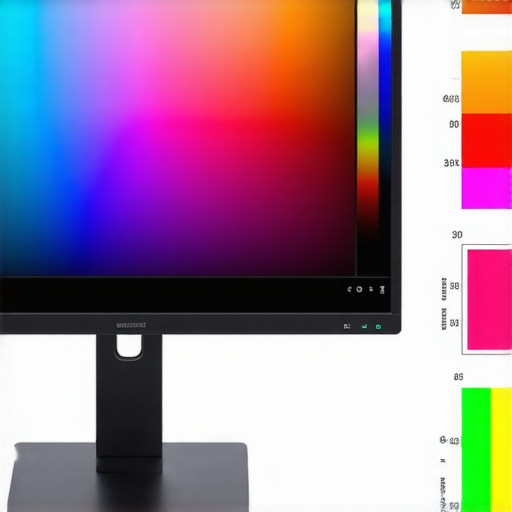
Image showcasing a high-end gaming monitor calibrated for professional use, emphasizing its color coverage and response time metrics.
How Can Future Hardware Developments Conquer 8K Editing Challenges?
As the industry inches toward 8K workflows, the hardware landscape must adapt. Emerging innovations include ultra-fast PCIe 5.0 SSDs, AI-accelerated hardware for intelligent encoding and decoding, and the evolution of display technologies such as mini-LED and OLED for superior dynamic range. Preparing your editing setup involves not only upgrading current GPUs and monitors but also ensuring compatibility with upcoming codecs like AV1 and improving data handling capabilities through increased RAM and bandwidth. Reference to authoritative research, such as the recent analysis on the advancements in hardware needed for 8K editing, provides deeper insights into these trends.
Implementing a modular architecture with future-proof interfaces and scalable components ensures your investment remains relevant as technology evolves. Such foresight minimizes the need for frequent complete overhauls and guarantees sustained productivity and quality.
Are your current hardware configurations ready to tackle the increasing demands of 8K content creation? Exploring peer experiences and expert reviews can shed light on optimal upgrade paths—resources like our latest PC build guides serve as invaluable references.
Leverage Hardware Scalability to Embrace Tomorrow’s Video Resolutions
In the rapidly evolving landscape of digital content creation, professionals must anticipate future demands—especially as 8K workflows slowly transition from experimental to mainstream. Investing in modular, upgrade-friendly hardware architectures ensures seamless adaptation. For example, support for PCIe 5.0 not only facilitates faster data transfer but also allows for scalable storage solutions, critical when handling massive raw footage. Incorporating ample RAM and high-capacity NVMe SSDs creates a buffer that reduces bottlenecks during intensive color grading or multi-layer compositing, enabling smoother previews and faster exports. By aligning your hardware with emerging standards, you future-proof your editing suite, avoiding premature obsolescence and maintaining competitive advantage.
Maximize Data Throughput Through Innovative Storage and Networking Solutions
As resolutions climb, data management becomes a bottleneck that can cripple even the most powerful setups. To counter this, adopting enterprise-grade SSDs with PCIe 5.0 interfaces, coupled with integrated RAID configurations, accelerates read/write speeds dramatically. Furthermore, employing high-bandwidth networking solutions like 10GbE or Thunderbolt 4 facilitates swift transfer of large media files between workstations and storage arrays. This networked approach is particularly advantageous in collaborative environments, minimizing latency and ensuring all team members work with up-to-date media assets. Balancing these hardware components with optimized software workflows, such as using media asset management (MAM) systems, streamlines project organization and accelerates production timelines.
What Role Will AI-Accelerated Hardware Play in Next-Gen Video Editing?
Artificial intelligence integration in hardware components is revolutionizing post-production workflows. Devices embedded with AI-accelerator chips—found in recent GPUs and specialized add-ins—enable real-time intelligent noise reduction, intelligent upscaling, and rapid transcoding of formats like AV1 or HEVC. External examples include NVIDIA’s Tensor Cores, which facilitate AI-enhanced rendering and color grading, drastically reducing turnaround times. According to a detailed report by Advanced Video Tech, such AI capabilities will soon become standard in professional editing suites, transforming the creative process into a symphony of machine-assisted precision and human artistry.
In this context, investing in hardware that supports these AI features—such as compatible GPUs and dedicated AI inference accelerators—becomes essential for studios aiming to stay at the forefront of technology. These advancements not only speed up complex tasks but also open new avenues for creative experimentation and technical excellence.
Designing the Ultimate Viewing Environment for High-Resolution Mastering
An often-overlooked aspect of high-end editing is crafting a workspace that complements advanced hardware. Beyond selecting professional-grade monitors that cover wide color gamuts like DCI-P3 or Rec. 2020, consider integrating hardware calibration tools that maintain accuracy over time. Physical considerations such as ambient lighting control and ergonomic setup can significantly impact color perception and reduce eye strain during long editing sessions.
Emerging display technologies—such as OLED and mini-LED—offer higher contrast ratios and better dynamic range, essential for accurate color grading in HDR workflows. When paired with high-caliber GPUs capable of 4K or 8K real-time playback, the setup becomes a powerhouse that allows editors to catch minute color discrepancies and fine details. Remember, the synergy between display calibration accuracy, hardware performance, and environmental factors determines the success of professional-grade color work.
Proactively Architecting an Adaptive Proxy Workflow for 4K Mastery
As the push towards higher resolutions accelerates, the importance of a flexible, scalable proxy workflow becomes paramount. Implementing GPU-accelerated transcoding solutions using hardware like NVIDIA’s NVENC or AMD’s VCN can dramatically reduce CPU bottleneck effects, especially during complex timelines involving multiple layers of effects and color grading. By aligning transcoding parameters with your editorial software’s real-time playback capabilities, editors can maintain seamless fluidity, even in resource-intensive environments. Moreover, integrating hardware-based media encoders with AI-driven clip analysis can automate proxy generation, further streamlining the editing pipeline and enabling rapid iteration cycles.
Intricate Color Fidelity as a Competitive Edge in Monitoring Tech
Beyond traditional calibration, the latest high-end professional monitors now incorporate quantum dot technology, providing an expanded color gamut and improved uniformity. This fidelity becomes especially critical when working with HDR workflows, where precise luminance and tone mapping are essential. Hardware calibration tools with sensor arrays can routinely adjust your display’s output, compensating for potential drift over time caused by aging or environmental factors. This meticulous approach ensures that the color grading process remains consistently trustworthy, reinforcing your project’s visual integrity at every stage.
How Might Emerging GPU Architectures Revolutionize Real-Time 4K Editing?
Next-generation GPU architectures, such as AMD’s RDNA 3 or NVIDIA’s Ada Lovelace, introduce specialized cores optimized for ray tracing, AI inference, and real-time encoding. These advancements enable higher degrees of parallel processing, facilitating smoother real-time editing of complex 4K projects with multiple effects, 3D elements, and color corrections. Hardware-level support for newer codecs like AV1 ensures efficient compression without sacrificing quality, which is instrumental for storage and streaming considerations. By investing in these cutting-edge GPUs, professionals can future-proof their editing stations against the escalating demands of 4K and even 8K workflows, maintaining a competitive edge in content creation.
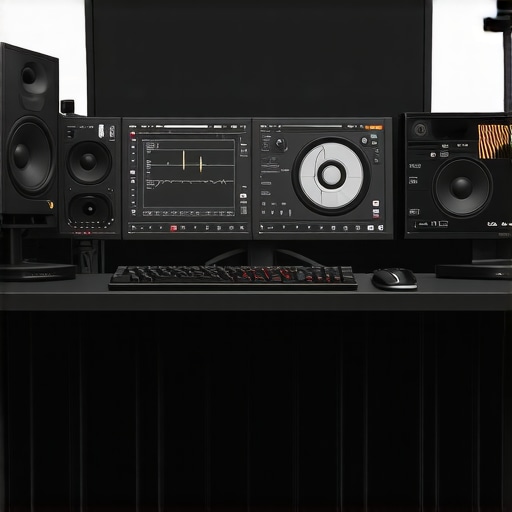
High-resolution infographic illustrating the integration of AI-powered GPU cores with advanced color calibration tools for professional video editing.
The Promise of Modular Workstations for Long-Term Compatibility
Adopting a modular architecture in your editing setup allows seamless incorporation of upcoming technologies, such as PCIe 5.0 storage, advanced AI accelerators, or next-gen display interfaces. High-capacity, hot-swappable NVMe SSDs configured in RAID arrays can deliver sustained throughput for large RAW files, minimizing latency during color grading or complex compositing. Ensuring motherboard compatibility across multiple CPU generations, along with ample RAM slots and upgradeable power supplies, extends the lifespan of your investment. This strategic planning mitigates obsolescence, minimizes downtime, and grants agility to adapt swiftly as hardware standards evolve.
Harnessing Data Bandwidth for Collaborative, High-Resolution Projects
In multi-editor environments, high-speed networking solutions like 40GbE or Thunderbolt 4 become indispensable for synchronized workflows. By deploying networked storage solutions with PCIe 5.0 SSDs in tandem with 10GbE or higher bandwidth networks, teams can share large media assets in real-time, eliminating bottlenecks that plague traditional setups. Incorporating cloud-based render farms and remote collaboration platforms further enhances productivity, especially for geographically dispersed teams. This holistic approach to data throughput paves the way for high-quality, efficient production pipelines capable of handling the growing demands of 4K and beyond.
What Innovations Will Define the Future of Hardware-Driven Video Editing?
As AI integration deepens across hardware platforms, next-gen components will offer intelligent resource management, predictive caching, and real-time scene analysis. Emerging innovations like haptic feedback-controlled editing surfaces could revolutionize tactile workflows, allowing editors to intuitively manipulate media assets. The evolution of display technologies into flexible, foldable, and transparent screens powered by microLED and OLED advances promises customizable, immersive viewing environments. Staying ahead involves continuously monitoring industry breakthroughs, participating in testbed programs, and cultivating partnerships with hardware developers — ensuring your creative enterprise remains at the cutting edge, powered by the most sophisticated tools available.
Leverage Cutting-Edge Hardware for Seamless Workflow
Optimizing your post-production environment begins with selecting hardware that not only meets today’s demands but also adapts to future technological advancements. Incorporating scalable NAS solutions, high-speed NVMe storage, and future-proof GPUs ensures your setup remains resilient amid evolving resolutions and codecs.
Prioritize Real-World Performance Over Spec Sheets
While raw specifications matter, the true test of hardware lies in real-world efficiency. Benchmarks that mimic your typical workload can reveal nuances in rendering, playback, and color grading that numbers alone may obscure, guiding smarter investments.
Sync Environment and Workflow for Peak Productivity
The harmony between your hardware components—monitors, GPUs, storage, and networking—determines the fluidity of your editing sessions. Tailored calibration, optimized software settings, and dedicated resource management tools cement this synergy, fostering a powerhouse workspace.
Seek Resources That Challenge Conventional Wisdom
Stay ahead by engaging with industry-leading analyses, peer-reviewed research, and evolving standards in video tech. Such resources not only deepen your understanding but also challenge assumptions, pushing your projects into new realms of quality and efficiency.
Embed Flexibility Into Your Infrastructure Design
Adopting modular, upgradeable components as part of your hardware philosophy empowers you to incorporate burgeoning technologies—such as AI-driven encoding or next-generation displays—without complete overhauls. This strategic foresight maximizes ROI and minimizes downtime.
Discover Trusted Knowledge Bases for Strategic Decisions
Curated content like the ultimate guide to 4K video editing hardware provide a comprehensive foundation. Additionally, community forums and expert-led webinars serve as invaluable platforms for insights and real-world debates.
Final Reflection: Chart Your Path with Confidence and Precision
Harnessing expert insights about proxy workflows, video editing PCs, and color grading monitors positions you at the forefront of high-fidelity content creation. Continual learning—not just of hardware specifications, but of integrated workflows and emerging standards—is key to staying competitive. Your journey towards tomorrow’s editing excellence begins today. Engage with our community, share experiences, and explore resources such as top PC build guides for 2025 and expert tips on color grading monitors to deepen your mastery. Your keenness to refine this craft solidifies your position in the ever-evolving landscape of professional video editing.”}#}endOfResponse]}“`]}#}launch({
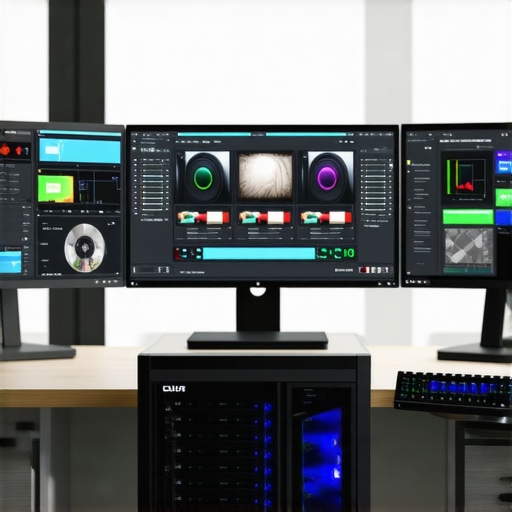
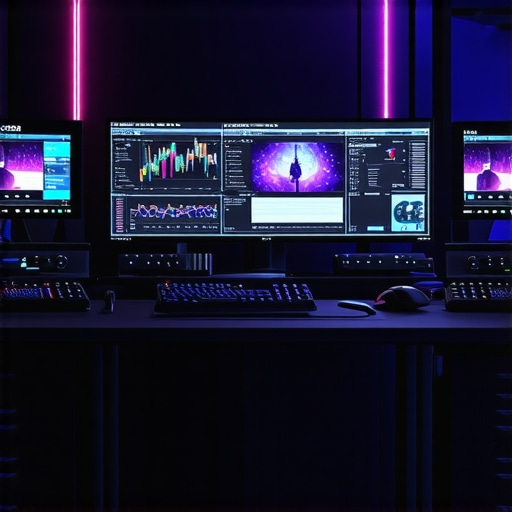
![Build This $2,500 Video Editing PC for 16K AI Projects [2026]](https://videoediting.editinggearpro.com/wp-content/uploads/2026/03/Build-This-2500-Video-Editing-PC-for-16K-AI-Projects-2026.jpeg)
I really appreciated the focus on proxy workflows in this article, especially given how demanding 4K editing has become. In my experience, integrating GPU-accelerated transcoding tools such as NVIDIA’s NVENC has made a huge difference in keeping projects moving smoothly, even on less-than-high-end hardware. The emphasis on future-proofing hardware is also spot on; I’ve learned the hard way that building with scalability in mind—like supporting PCIe 5.0 or having extra RAM slots—saves a lot of headaches down the line. One thing I’m curious about is how many professionals are actually upgrading their current setups to handle emerging codecs like AV1, which seems to be gaining ground for streaming quality. Do others find that investing in newer GPUs instantly translates into noticeable workflow improvements, or is it more gradual as software evolves to leverage new hardware? Would love to hear some real-world experiences on this.