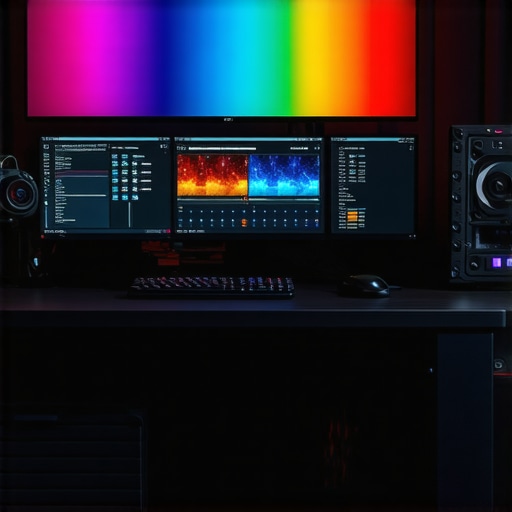
Elevating Video Editing Efficiency with Cutting-Edge Hardware for 4K Color Grading
In the dynamic realm of professional video production, the backbone of successful workflows rests heavily on the hardware architecture that supports intensive tasks such as 4K color grading and proxy editing. As an industry expert, I recognize that choosing the right PC and GPU is not merely about raw specifications but about harmonizing performance, reliability, and future-proofing to meet the escalating demands of high-resolution content creation.
Deciphering the Complexities of Hardware Requirements for 4K Video Mastery
To excel in 4K color grading, a nuanced understanding of hardware capabilities is essential. High-end GPUs such as NVIDIA’s RTX 4090 or AMD’s Radeon RX 7900 XTX deliver the CUDA and OpenCL acceleration crucial for rendering and real-time playback. Meanwhile, RAM capacity and speed directly influence proxy workflows, enabling seamless editing of large files without latency issues. For instance, 64GB of DDR5 memory ensures sufficient buffer space for complex timelines and layered effects.
Integrating Color Accuracy and Performance for Professional Grade Output
Color grading demands more than just processing power; it requires a monitor calibrated for precise color rendition. Combining a robust GPU with a professional-grade monitor, like those reviewed in expert guides, ensures that the digital workspace faithfully reflects the final output. This synergy minimizes color discrepancies, facilitating consistent grading across different viewing environments.
Balancing Power and Efficiency in Hardware Choices
For optimal proxy workflows, selecting a PC with a balanced architecture—such as an Intel Core i9-13900K or AMD Ryzen 9 7950X coupled with an SSD NVMe storage system—reduces bottlenecks during data transfer and rendering. Efficient thermal management and power supply also extend hardware longevity, safeguarding your investment through intensive editing sessions.
What are the emerging trends in GPU acceleration that could redefine 4K workflows in the near future?
Emerging technologies like AI-enhanced rendering and real-time ray tracing are poised to revolutionize 4K workflows, offering unprecedented speed and visual fidelity. Industry leaders are investing heavily in software optimization to leverage these innovations, promising a new era of efficiency and creativity. Staying updated through authoritative sources such as TechRadar can help professionals adapt to these rapid advancements.
For those seeking to refine their hardware selection, exploring top PC builds tailored for 4K editing can provide a strategic advantage. Additionally, engaging with the professional community through forums and webinars offers valuable insights into best practices and emerging hardware trends. Embrace these developments to ensure your editing setup remains at the forefront of technological innovation.
Harnessing the Power of AI and Real-Time Rendering for Next-Level Editing
As the demands of 4K color grading and proxy workflows grow exponentially, staying ahead requires not only high-performance hardware but also an understanding of emerging software capabilities. AI-driven tools, such as intelligent noise reduction, automatic color matching, and real-time rendering, are transforming the editing landscape. These innovations enable editors to achieve professional results faster and with greater precision, fundamentally changing how workflows are approached. For example, software leveraging AI acceleration can now process complex color grades or effects in real-time, reducing the need for lengthy rendering sessions and boosting productivity.
How can integrating AI-powered tools redefine efficiency in 4K video workflows?
Integrating AI-powered tools into your editing pipeline offers a strategic advantage by automating routine tasks, enhancing decision-making, and optimizing resource allocation. For instance, AI-driven color grading can automatically match tones across clips, maintaining consistency without manual intervention. Moreover, AI-enhanced proxy creation and editing allow for smoother playback and faster editing, even on mid-range hardware, making high-resolution workflows more accessible. Industry experts recommend exploring solutions that are compatible with your existing hardware, such as those discussed in comprehensive guides for color grading hardware, to ensure seamless integration.
Optimizing Hardware for Future-Ready 4K Editing Environments
Beyond current hardware, preparing for future innovations involves selecting components that can adapt to evolving software demands. High-performance CPUs like AMD’s Ryzen 7000 series or Intel’s latest Core i9 chips provide the processing backbone necessary for multitasking and heavy-duty rendering. Paired with cutting-edge GPUs such as NVIDIA’s RTX 4090 or AMD’s Radeon RX 7900 XTX, these systems can handle AI workloads and real-time ray tracing efficiently. Storage solutions, particularly NVMe SSDs, are critical for reducing bottlenecks when working with large 4K files. To ensure compatibility and scalability, consulting expert recommendations such as those found in top hardware guides is essential.
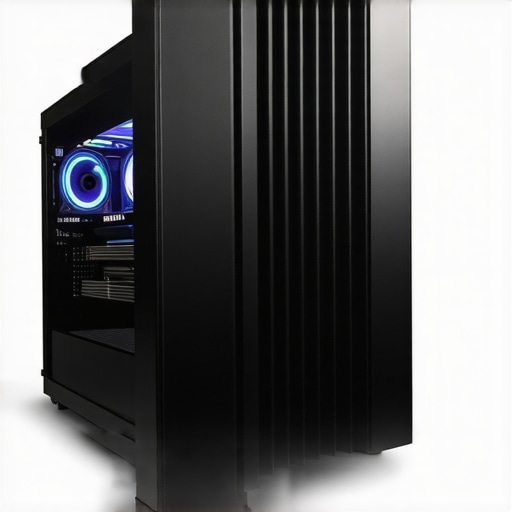
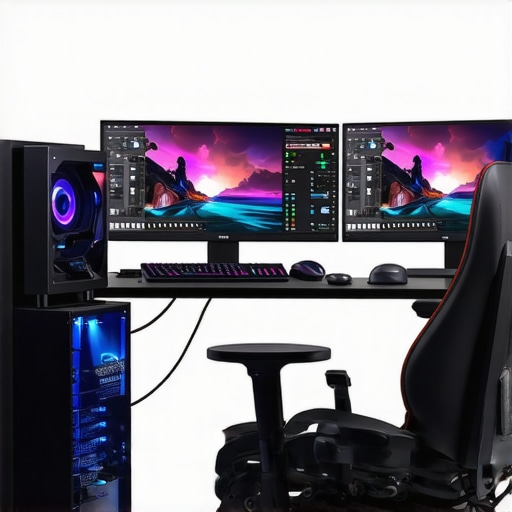
Image description: High-end 4K editing workstation with latest GPU, CPU, and multiple NVMe SSDs, showcasing an optimal setup for future-proof video editing workflows.
Can Your Current Setup Keep Pace with Rapid Innovation in Video Technology?
This question prompts a critical evaluation of your existing hardware’s capacity to support upcoming software advancements, including AI integration and higher-resolution formats. Staying informed through trusted industry sources like TechRadar can help you make data-driven decisions and plan upgrades strategically. Sharing insights and experiences through professional forums or social media can also provide real-world perspectives on hardware performance and longevity. As the industry continues to evolve, proactive hardware management is key to maintaining a competitive edge in 4K content creation.
For further guidance on building or upgrading your editing rig, explore our comprehensive top PC builds for 2025. Staying informed and adaptable ensures your workflow remains efficient amidst rapid technological change and complex project demands.
Revolutionizing 4K Editing with Next-Gen Hardware Capabilities
As 4K video production surges forward, the importance of leveraging the latest hardware innovations becomes undeniable. Cutting-edge GPUs like NVIDIA’s RTX 4090 and AMD’s Radeon RX 7900 XTX are not just about raw power; they incorporate AI acceleration, real-time ray tracing, and optimized CUDA cores that dramatically reduce rendering times and improve playback smoothness. These advancements are transforming workflows, enabling editors to handle complex color grading, multi-layer effects, and high-bitrate footage with unprecedented efficiency.
Furthermore, the evolution of memory technology, especially DDR5 RAM, plays a crucial role in managing large proxy files and multi-track timelines without bottlenecks. High-capacity SSDs, particularly NVMe drives, are essential for rapid data access, allowing seamless transfer and storage of massive 4K assets. This synergy of hardware components forms the backbone of a future-ready editing environment capable of adapting to rapid technological shifts.
Harnessing AI and Machine Learning for Smarter Post-Production
AI-driven tools are redefining what’s possible in professional editing. For instance, intelligent noise reduction algorithms, automatic scene detection, and AI-powered color matching significantly cut down post-production time. These tools utilize deep learning models trained on vast datasets, offering highly accurate results that traditionally required manual input. Software such as Adobe Premiere Pro’s Sensei and DaVinci Resolve’s Neural Engine exemplify this trend, providing real-time enhancements without taxing system resources excessively.
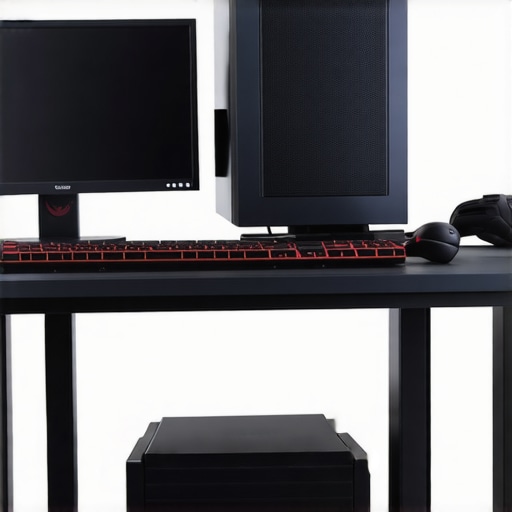
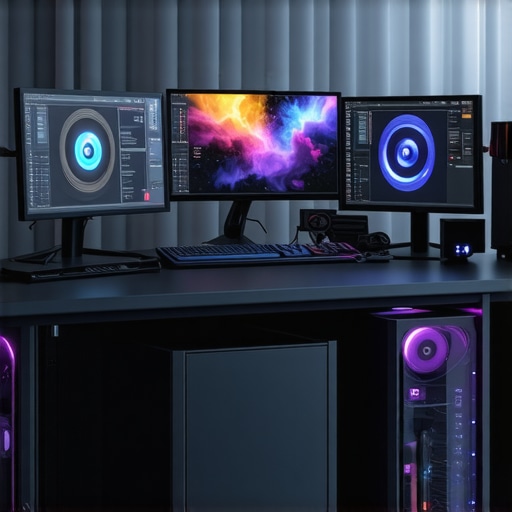
Image description: A high-performance editing workstation featuring a state-of-the-art GPU, multiple NVMe SSDs, and a calibrated professional monitor, illustrating an optimal setup for future-proof 4K workflows.
Addressing the Nuanced Question of Hardware Scalability for Evolving 4K Standards
How can professionals ensure their hardware infrastructure remains adaptable to upcoming 8K and higher-resolution workflows?
Proactively planning for scalability involves selecting modular components that can be upgraded incrementally. High-end CPUs like Intel’s Core i9-13900K or AMD’s Ryzen 7000 series offer multi-core processing power, while robust GPU architectures can support future APIs and rendering techniques. Storage solutions should prioritize NVMe SSD arrays with RAID configurations for both speed and redundancy, ensuring data integrity during demanding projects. According to a comprehensive report by TechRadar, future-proofing also includes embracing software ecosystems that support emerging standards like AV1 codec and hardware-accelerated decoding for higher resolutions.
Moreover, integrating cloud-based rendering farms and remote collaboration tools allows teams to scale resources dynamically, reducing local hardware strain. Engaging with industry communities and staying updated through authoritative sources ensures that hardware investments align with evolving standards, future-proofing your post-production pipeline against obsolescence and enabling seamless transitions to higher resolutions and formats.
Revolutionizing Post-Production with Hardware Innovation
In the rapidly evolving landscape of high-resolution video editing, staying ahead necessitates a nuanced understanding of cutting-edge hardware solutions that not only meet today’s demands but anticipate future standards like 8K and beyond. Integrating the latest GPUs, CPU architectures, and storage technologies ensures that professionals can handle complex color grading, multi-layer effects, and large proxy workflows seamlessly, without bottlenecks or performance degradation.
Unveiling the Impact of AI Acceleration on Workflow Efficiency
Artificial intelligence has become a game-changer in post-production, transforming traditional workflows through intelligent automation. AI-powered tools for automatic color matching, noise reduction, and scene detection significantly reduce manual effort, allowing editors to focus on creative decision-making. Industry leaders like Adobe and Blackmagic Design are integrating deep learning models into their software, enabling real-time processing that was previously unthinkable, thus elevating productivity and output quality.
What’s the Future of GPU Power in 4K Content Creation?
Emerging GPU technologies are pushing the boundaries of rendering speed and visual fidelity. NVIDIA’s RTX 4090 and AMD’s Radeon RX 7900 XTX incorporate AI acceleration, enhanced ray tracing capabilities, and larger CUDA cores, which collectively facilitate accelerated rendering and playback of complex effects. These advancements not only boost current workflows but also prepare studios for the demands of 8K and HDR content, ensuring long-term investment value. For authoritative insights, consult dedicated industry reports like those from TechRadar.
Engaging with the latest hardware reviews and expert discussions can provide critical guidance for strategic upgrades that future-proof your editing environment, making your investment both resilient and scalable.
Enhancing Color Precision with Next-Level Calibration and Hardware Synergy
Achieving professional-grade color accuracy involves more than just a calibrated monitor—it’s about harmonizing hardware components that support precise workflows. High-end GPUs, when paired with professional-grade color grading monitors and hardware calibration tools, ensure that digital images are rendered with fidelity. This synergy minimizes color discrepancies during grading, delivering consistent results across different viewing platforms. For detailed guidance, refer to comprehensive reviews in expert guides.
Preparing for the Next Wave of Video Standards with Modular Hardware
As the industry gravitates toward 8K and higher resolutions, hardware scalability becomes paramount. Modular systems with upgradeable CPUs, GPUs, and storage arrays enable professionals to adapt incrementally, avoiding premature obsolescence. Investing in high-bandwidth NVMe SSDs, scalable RAID configurations, and robust power supplies ensures your setup can handle escalating data loads. According to TechRadar, future-proofing also involves embracing emerging codecs like AV1 and hardware-accelerated decoding, which are critical for managing ultra-high-definition content efficiently.
Leverage Cloud Integration and Remote Collaboration for Scaling
Beyond local hardware, integrating cloud-based rendering farms and remote collaboration tools can exponentially increase workflow capacity. These platforms allow teams to offload intensive rendering tasks and share large assets seamlessly, facilitating real-time editing and review processes. This hybrid approach ensures that your hardware investments are complemented by scalable cloud resources, providing flexibility and resilience in the face of increasing project complexity.
Final Call to Action: Embrace the Hardware Revolution
To remain competitive in 4K and future video standards, it is vital to continuously evaluate and upgrade your hardware ecosystem. Staying informed through authoritative sources like TechRadar and engaging with professional communities ensures your setup evolves in tandem with technological advancements. Embrace these innovations to unlock new creative potentials and streamline your post-production workflows for years to come.
Revolutionary Hardware Insights Elevate Your 4K Editing
Top-tier professionals recognize that embracing cutting-edge hardware is not optional but essential for maintaining a competitive edge in 4K video production. Advanced GPUs like NVIDIA’s RTX 4090 or AMD’s Radeon RX 7900 XTX deliver unparalleled processing speed and AI acceleration, transforming complex color grading and effects rendering into near-instantaneous tasks. Upgrading to high-capacity DDR5 RAM and NVMe SSDs ensures that large proxy files and multi-layered timelines operate seamlessly, minimizing latency and maximizing productivity.
Leverage AI to Accelerate Creativity and Efficiency
Artificial intelligence tools integrated into editing suites are redefining workflow boundaries. Features like AI-driven noise reduction, scene detection, and automatic color matching dramatically cut down post-production time. These innovations enable editors to focus on creative decisions rather than technical bottlenecks, fostering a new era of high-quality, efficient content creation.
Prioritize Scalability and Compatibility to Stay Ahead
Future-proofing involves selecting modular, upgradeable components such as CPUs, GPUs, and storage arrays. Embracing emerging standards like AV1 codec support and hardware-accelerated decoding allows your hardware ecosystem to adapt to higher resolutions like 8K seamlessly. Cloud-based rendering and remote collaboration platforms further enhance scalability, ensuring your workflows remain resilient amid rapid technological evolution.
Expert Resources to Deepen Your Hardware Knowledge
- Best Editing GPUs for 2025 — Discover industry-leading graphics cards optimized for high-resolution workflows.
- Color Grading Monitors — Learn how to select displays that ensure color accuracy and consistency.
- Top PC Builds for 2025 — Get expert-recommended configurations tailored for demanding 4K editing tasks.
Strategic Reflection for Industry Leaders
In today’s competitive landscape, mastering hardware for 4K video editing is about more than just specifications—it’s about strategic adaptation to upcoming standards and innovations. Staying informed through authoritative sources and engaging with professional communities ensures your workflow evolves proactively. Remember, the key to long-term success lies in continuous assessment and incremental upgrades aligned with emerging technologies, including AI acceleration and higher-resolution standards. Ready to redefine your editing environment? Dive deeper into our expert guides and connect with industry peers to share insights and experiences. Your future-proof 4K workflow awaits—embrace it now to unlock new creative horizons and operational excellence.
This post really highlights how critical choosing the right hardware is for efficient 4K editing, especially with all the latest advancements in GPU and CPU tech. I’ve recently upgraded to an RTX 4090 myself, and the difference in real-time playback and rendering speed is remarkable, particularly when working with complex color grades and multiple layers. It’s evident that future-proofing involves more than just a powerful GPU; balancing it with fast NVMe SSDs and high-quality calibration monitors really makes a difference in professional workflows.
One thing I’ve been curious about is how editors are integrating AI tools into their existing workflows without disrupting productivity. Has anyone here experienced any challenges or seen noticeable improvements with AI-based tools like automatic scene detection or noise reduction? I’d love to hear how others are managing to seamlessly incorporate these innovations and what tips might help streamline the transition.
This post really hits on an important aspect of modern video production—the necessity of balanced and scalable hardware setups for 4K workflows. I’ve been exploring AI tools recently, especially for noise reduction and scene detection, and I found that integrating these features gently into my workflow has greatly improved efficiency without significant disruption. It’s fascinating how software updates are now making AI features more seamless and hardware-friendly.
One challenge I faced initially was ensuring compatibility between my GPU and AI acceleration features, but keeping an eye on industry updates and community feedback really helped. I also noticed that having a future-proof system with upgradable components like scalable SSD arrays and powerful CPUs makes a huge difference in adapting to new software advances.
I’m curious, how are others managing the balance between powerful hardware and the energy or thermal demands of AI-enhanced editing? Are there particular cooling solutions or power supplies that have worked well for you in maintaining both performance and longevity?
This post offers a thorough overview of the importance of choosing the right hardware for elevating 4K color grading workflows. I’ve found that investing in a high-end GPU like the RTX 4090 really does make a difference, especially with real-time playback and rendering of complex effects. However, I’ve also realized that balancing GPU power with ample RAM and fast storage, like NVMe SSDs, is equally crucial for avoiding bottlenecks, particularly when handling large proxy files or multi-layered timelines. It’s interesting to see the emphasis on future-proofing—upgrading to modular systems that can adapt over time seems essential given how rapidly software and hardware standards evolve. Regarding AI tools, I’ve integrated noise reduction and scene detection into my workflow, and they’ve been game-changers in boosting productivity. I’d love to hear how others are managing the thermal and energy demands of such high-performance setups—are there specific cooling or power solutions you’ve found effective in maintaining system stability during intensive editing sessions? It seems that aligning hardware architecture with emerging AI features and future standards is the way forward.