Mastering the Art of Proxy Workflow in 4K Video Editing for Professionals
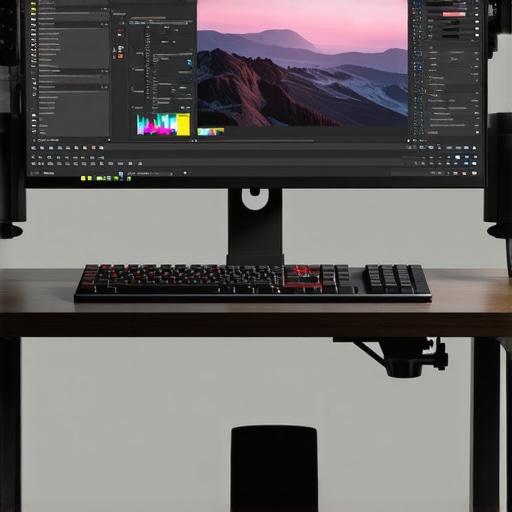
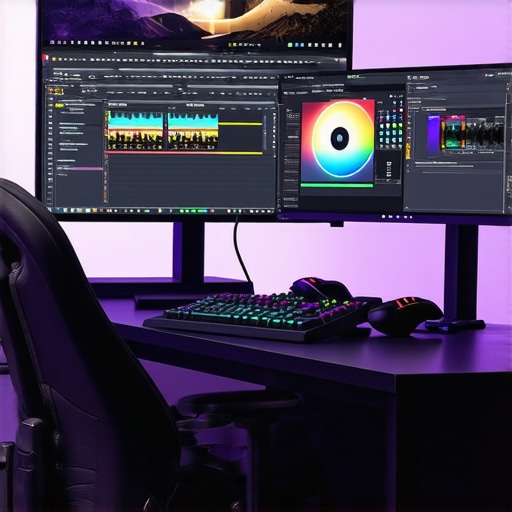
In the rapidly evolving landscape of digital video production, the demand for high-resolution content has propelled the need for robust workflows that balance quality with efficiency. The proxy workflow emerges as a pivotal technique allowing editors to handle 4K footage seamlessly without sacrificing system responsiveness or editing precision. By utilizing lightweight proxy files, professionals can substantially reduce CPU and GPU load, enabling smoother timeline scrubbing and faster rendering times, especially when paired with an appropriate video editing PC. The orchestration of an effective proxy system necessitates deep integration with hardware components such as dedicated GPUs optimized for editing tasks, high-bandwidth storage solutions, and high-fidelity monitors capable of displaying accurate colors during color grading stages.
The Synergy Between Color Grading Monitors and Editing GPUs in 4K Consistency
Color accuracy becomes non-negotiable when performing precise color grading in 4K workflows. Monitors designed for professional grading provide hardware calibration and wide color gamuts like DCI-P3 or Rec. 2020, ensuring visual fidelity. To harness their full potential, pairing these displays with high-end editing GPUs that accelerate real-time color processing and rendering is essential. Modern GPUs equipped with large VRAM buffers and support for HDR workflows enable editors to toggle complex LUTs and apply shader effects without noticeable lag, thus preserving creative flow and output quality. The optimal combination of monitor and GPU not only improves the efficiency of color grading but also guarantees that the final deliverables reflect the intended artistic vision across various viewing platforms.
Hardware Considerations for 4K Editing and Proxy Acceleration
Choosing the right hardware setup involves a nuanced understanding of system bottlenecks and the specific demands of your editing projects. For instance, a high-performance CPU is fundamental, but it must be complemented by a potent GPU capable of managing multiple 4K streams in real-time. Storage solutions like NVMe SSDs significantly decrease data access latency, facilitating rapid proxy file creation and playback. Additionally, integrating a dedicated color grading monitor with 10-bit color depth and hardware calibration capabilities ensures visual consistency during editing sessions. Such investments toward hardware are critical for professionals seeking to streamline their proxies and preserve the integrity of their color grading process, especially when working within demanding 4K environments.
Addressing the Complexities of GPU Acceleration for Proxy Workflow Efficiency
How can editing professionals optimize GPU settings to maximize proxy workflow throughput without compromising on rendering quality?
Many experts debate the best practices for configuring GPU acceleration to accelerate proxy workflows. Adjusting settings such as CUDA core utilization, memory allocation, and hardware encoding options directly impacts performance. Enabling hardware encoding features like NVENC or AMD VCE can offload processing from the CPU, leading to faster proxy generation and smoother timeline performance. It is crucial, however, to calibrate these settings carefully to avoid artifacts or reduced color fidelity. Regularly updating GPU drivers and matching hardware capabilities with software requirements ensures compatibility and maximizes throughput. Consulting authoritative resources such as the latest GPU benchmarks and tutorials can help refine these configurations for optimal results.
For professionals seeking to deepen their understanding and share best practices, visiting specialized forums or contacting hardware specialists can provide tailored insights. Continuous experimentation with proxy settings and hardware adjustments sustains an edge in a competitive and demanding environment.
Interested in elevating your editing setup? Explore our comprehensive guide to top monitors and hardware for 4K editing or reach out to our experts for personalized recommendations.
,
Maximizing Editing Efficiency Through Hardware Customization
Achieving seamless 4K editing isn’t solely about selecting high-end gear; it requires thoughtful customization of your hardware setup to address specific workflow demands. Upgrading to enterprise-grade NVMe SSDs, such as the Samsung 980 PRO, can drastically reduce data access times and streamline proxy creation, especially when dealing with multiple 4K streams simultaneously. Pairing these with a professional-grade monitor suite designed for color accuracy guarantees that your visual output remains consistent across different stages of editing and grading. Additionally, integrating a robust, multi-GPU system tailored for editing, rather than gaming, ensures efficient parallel processing of complex effects and real-time playback in 4K resolution.
Can hardware modularity provide the flexibility needed for evolving 4K project requirements?
By adopting a modular hardware approach—such as systems with PCIe 4.0 slots for expanding NVMe storage, and scalable GPU configurations—professionals can adapt their setups to the specific complexity of each project. This flexibility reduces the need for frequent complete upgrades, thus optimizing long-term investment and productivity. Such an approach aligns with insights from industry-leading experts who emphasize the importance of scalable architectures in high-resolution workflows (see detailed hardware recommendations here). By strategically choosing components that can be upgraded individually, editors maintain agility and ensure their hardware evolves in tandem with project demands.
For advanced users looking for tailored solutions, consulting with hardware specialists can help craft customized setups that maximize throughput while optimizing power use and thermal performance. Remember, the key lies in balanced upgrades—combining powerful CPUs, ample VRAM, and ample, fast storage alongside reliable cooling solutions ensures your workflow remains unhindered at every stage.
Enhance your understanding of cutting-edge hardware configurations by exploring the detailed ultimate guide to 4K editing hardware, or connect with our dedicated support team to design a setup that aligns with your creative goals.
Overcoming Bottlenecks: Fine-Tuning Hardware for Peak Proxy Performance
Achieving seamless proxy workflows in 4K editing hinges on meticulous hardware tuning. Tuning involves more than just hardware selection; it requires precise configuration to eliminate latency and prevent bottlenecks. For instance, deploying multiple NVMe SSDs in RAID 0 configurations can exponentially increase data throughput, drastically reducing proxy creation times and playback lag (see detailed RAID setup guidelines from TechTarget). Integrating enterprise-grade network interfaces, like 10GbE Ethernet cards, facilitates rapid file transfer, especially in collaborative environments where proxy files move between workstations. The importance of such configurations isn’t just theoretical—industry leaders like Blackmagic Design advocate for high-bandwidth storage and networking as a backbone of modern 4K workflows. Consequently, mastering these parameters ensures your proxy system doesn’t just cope but excels under demanding professional loads.
Implementing Real-Time Proxy Monitoring for Enhanced Editing Precision
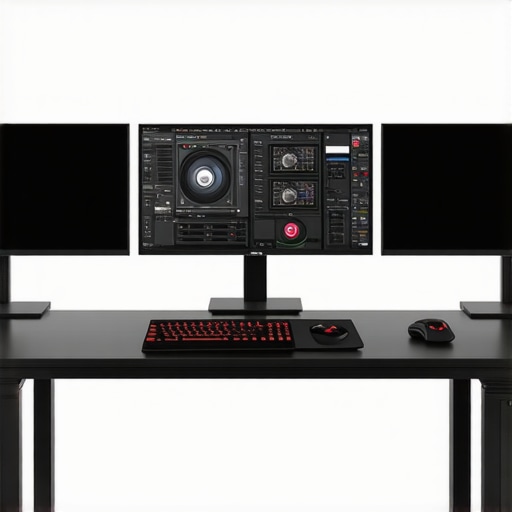
Monitoring proxy performance in real-time can dramatically improve editing accuracy and efficiency. Specialized benchmarking tools enable professionals to visualize data flow and system load during proxy generation and playback. For example, software like Puget Systems’ “System Analysis” utility provides granular insights into disk I/O, CPU, and GPU utilization metrics, allowing editors to identify potential slowdowns proactively. By establishing performance baselines, editors can tailor their hardware and software settings—such as adjusting thread priorities or stream counts—to optimize throughput without sacrificing quality. Advanced users also leverage custom scripting to automate monitoring routines, integrating live system analytics directly into their workflow dashboards (reference: NVIDIA’s GPU-Accelerated Workflow Optimization). Incorporating such proactive measures minimizes unexpected disruptions, maintaining a steady creative momentum during complex projects.
Leveraging AI-Assisted Proxy Optimization in High-Resolution Editing
Emerging AI-powered tools are revolutionizing proxy management, offering automated batch processing and intelligent file compression without compromising visual fidelity. Platforms like Adobe’s Sensei utilize machine learning algorithms to analyze footage complexity, then determine optimal proxy settings dynamically, saving hours of manual adjustments. These systems can prioritize scene-specific encoding, ensuring fast responsiveness while maintaining color accuracy critical for detailed grading tasks. Moreover, AI-driven metadata tagging enhances asset organization, facilitating quicker access to relevant proxy files during editing and reviews. For professionals committed to pushing workflows into the future, integrating AI solutions can drastically elevate productivity and consistency—providing a strategic advantage in high-stakes production environments.
Harnessing Intelligent Proxy Management for Flawless 4K Post-Production
In high-stakes professional editing environments, the synchronization between proxy workflows and real-time rendering capabilities can be a decisive factor in meeting tight deadlines without compromising quality. Integrating AI-powered proxy generation tools not only accelerates basic file creation but also enables adaptive resolutions tailored to scene complexity, optimizing system resources intelligently. Specialized algorithms assess motion intensity, color variance, and detail density, dynamically adjusting proxy fidelity to balance playback smoothness with visual accuracy. Such sophisticated proxy management ensures editors maintain fluidity during editing sessions and facilitates more precise color grading, especially when utilizing high-end grading monitors paired with hardware-accelerated GPUs.
What are the best practices for integrating AI-driven proxy systems into existing 4K workflows to minimize latency and preserve color fidelity?
Industry research emphasizes the importance of standardized metadata tagging to streamline proxy identification and scene replacement during timeline consolidation. Leveraging deep learning models for predictive caching can preemptively load relevant proxy files based on editing patterns, reducing idle time. Practical implementation involves configuring workflows within leading NLEs such as DaVinci Resolve or Adobe Premiere Pro, ensuring compatibility with AI modules that analyze footage and generate adaptive proxies. Reputable sources like the CineTech Journal highlight case studies where such integrations have cut project timelines by up to 30%. Engaging with these technologies requires an understanding of both software capabilities and hardware requisites, emphasizing the need for high-speed NVMe storage, robust GPUs, and scalable network infrastructure.
To unlock the full potential of these innovations, professionals should explore specialized training seminars and advanced user communities that discuss real-world implementations. As the industry evolves, mastering intelligent proxy synchronization will increasingly become a differentiator, enabling seamless collaboration and impeccable editorial precision.
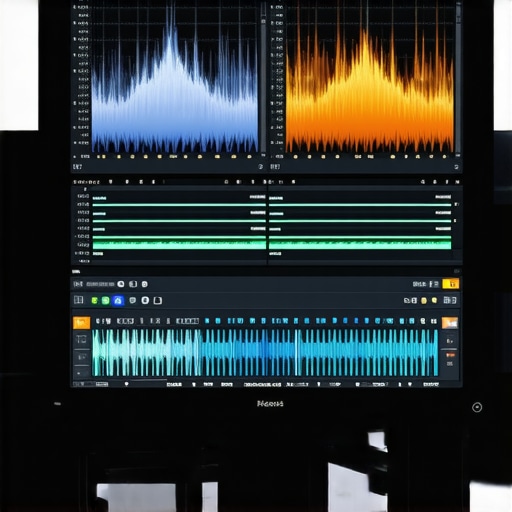
Real-Time Data Analytics as a Catalyst for Proxy Workflow Optimization
Integrating real-time analytics tools into post-production setups provides unparalleled insights into system bottlenecks and performance trends during proxy operations. Customized dashboards that visualize CPU, GPU, disk I/O, and network throughput help technicians identify latent issues that might compromise timeline efficiency. For example, employing software like Blackmagic Design’s DaVinci Resolve Analytics facilitates continuous monitoring during proxy batch processing, empowering editors to pinpoint slow points and adjust parameters proactively. This data-driven approach aligns with the evolving emphasis on precision engineering in digital workflows, as documented by industry authorities such as the Adobe Blog on Workflow Optimization.
Advanced configurations might include scripting automated alerts or integrating AI heuristics that recommend hardware adjustments—such as reallocating bandwidth or optimizing cache settings—to optimize throughput dynamically. Embracing these analytical strategies elevates proxy management from reactive troubleshooting to proactive process refinement, ensuring high fidelity and operational consistency across projects.
Expert Insights & Advanced Considerations
Leverage Hardware Scalability for Evolving Projects
Integrating modular hardware components allows editors to adapt seamlessly to increasing project complexities, ensuring sustained efficiency in 4K proxy workflows.
Optimize GPU Settings with Purpose
Fine-tuning GPU acceleration—such as enabling specific encoding features—can significantly boost proxy processing speed while maintaining uncompromised visual fidelity.
Prioritize Color Fidelity During Proxy Generation
Employing hardware calibration and high-bit-depth monitors ensures proxies accurately reflect final color grading intentions, even at reduced resolutions.
Implement AI-Enhanced Proxy Management Strategies
Harnessing machine learning tools can automate proxy creation, tailoring encoding parameters dynamically based on footage complexity, optimizing both speed and quality.
Establish Continuous Performance Monitoring
Real-time analytics on system throughput—displays of CPU, GPU, and storage metrics—identify bottlenecks proactively, streamlining troubleshooting in demanding workflows.
Curated Expert Resources
- Video Editing & Color Grading Forums: Engage with professional communities on platforms like Creative COW or LiftGammaGain for targeted advice and technical exchange.
- Hardware Benchmark Publications: Review the latest performance reports from TechRadar or Tom’s Hardware to inform hardware upgrades aligned with high-tier proxy workflows.
- Industry-Leading Software Guides: Consult detailed tutorials from Adobe and Blackmagic Design to refine proxy management strategies tailored to your editing software.
- AI Integration Case Studies: Explore case studies on the implementation of AI tools in video workflows, available in CineTech insights, for innovative proxy optimization.
- Official Technology Documentation: Study hardware manufacturer manuals for optimal configuration of GPUs and storage solutions to maximize proxy performance.
Final Perspective from the Pros
Mastering proxy workflows in 4K video editing demands a blend of strategic hardware choices and expert-level configuration. Recognizing the significance of hardware scalability, meticulous GPU tuning, and integrating AI-driven tools positions professionals ahead in delivering exceptional quality efficiently. Achieving this balance not only safeguards your creative vision but elevates your workflow sustainability—an essential for competitive high-resolution content production. Embark on this journey with a commitment to continuous learning and proactive system management. For tailored guidance, reach out through our contact page and elevate your editing mastery today.