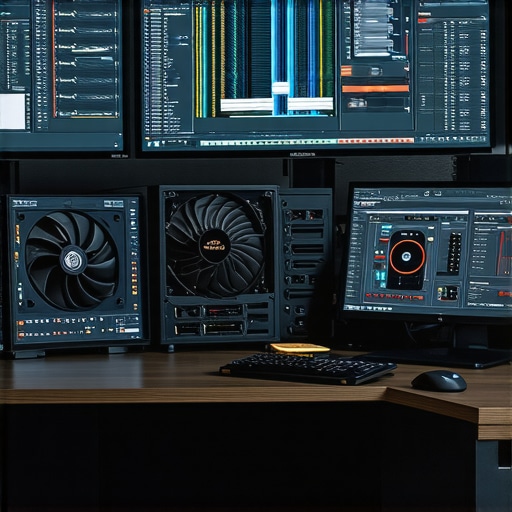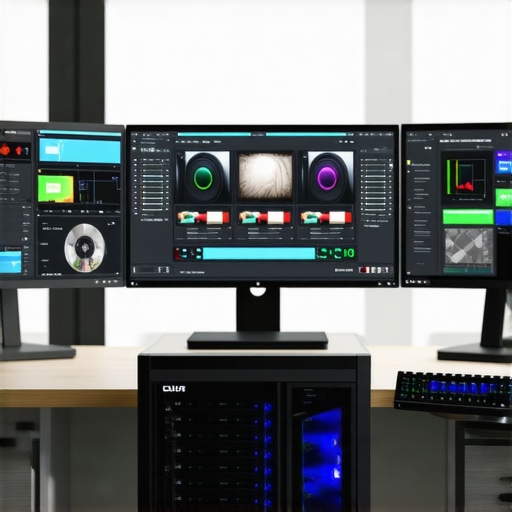
Achieving Precision in 4K Video Editing through Advanced Hardware Integration
In the realm of professional video production, especially when handling high-resolution content, the synergy between color grading monitors, powerful editing PCs, and optimized proxy workflows becomes paramount. Experts recognize that achieving seamless 4K editing hinges on meticulous hardware choices that reduce latency, enhance color fidelity, and streamline post-processing.
The Intersection of Color Grading Monitors and Editing GPUs
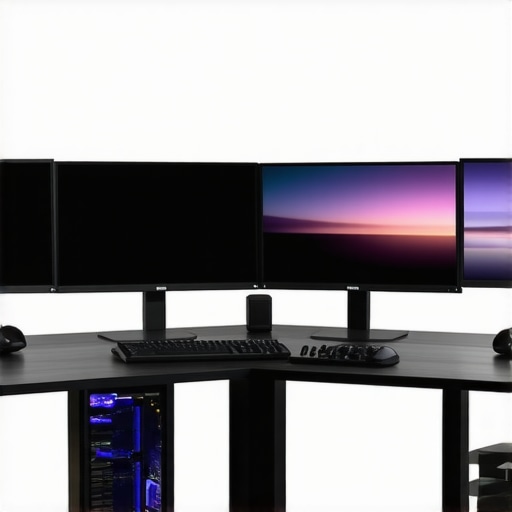
Color grading monitors tailored for video professionals, such as those discussed in expert reviews on high-end displays, emphasize precise color reproduction, high dynamic range, and consistent grayscale performance. Coupled with potent editing GPUs like the latest NVIDIA or AMD cards, these monitors enable accurate real-time color analysis during grading sessions, minimizing the need for extensive color correction adjustments.
Proactive Proxy Workflow Strategies for 4K Content
Proxy workflows, by design, allow video editors to work with lower-resolution copies of their 4K footage, significantly enhancing editing responsiveness. According to industry leader insights, such as in the latest on proxy workflows, employing a robust CPU paired with high-performance SSDs ensures swift proxy creation and seamless toggling between proxy files and original footage. This approach drastically reduces workstation bottlenecks during intricate editing stages.
How Do GPU and Monitor Choices Affect Color Fidelity and Workflow Efficiency?
Choosing the right color grading monitor with a reference-grade panel, such as an IPS or OLED technology, complements the GPU’s rendering capabilities, ensuring that display outputs align with colorist expectations. An expert-driven selection process also considers factors like color gamut coverage, uniformity, and hardware calibration support. When paired with a powerful GPU, editors can manipulate high-bitrate 4K media effortlessly, facilitating faster renders and previews.
What Are the Critical Criteria for Selecting a GPU that Supports High-Resolution Proxy Workflow and Accurate Color Grading?
Evaluating GPU options involves assessing VRAM capacity, shader processing power, and compatibility with editing software like Adobe Premiere Pro or DaVinci Resolve. Experts emphasize selecting GPUs with a minimum of 8GB VRAM for 4K editing, alongside architectures optimized for hardware acceleration in decoding and encoding tasks. For instance, the latest GPU benchmarks highlight models that excel in real-time playback with proxy files, reducing latency during complex grading and compositing workflows.
For continued mastery, explore comprehensive guides on hardware configurations and consider contributing your insights on emerging trends in high-resolution editing technology to foster a community of top-tier professionals.
Unlocking the Power of Hardware for Flawless 4K Color Grading
In high-end video production, the subtle interplay between monitor calibration, GPU processing capabilities, and the efficiency of proxy workflows defines the difference between ordinary and extraordinary results. When working with 4K footage, every component must be finely tuned to handle massive data streams while maintaining color integrity. Opting for professional-grade color grading monitors with wide color gamut coverage ensures that color representations mirror real-world nuances, providing confidence during grading sessions.
Choosing the Right GPU to Accelerate 4K Creativity
The central processing unit driving professional workflows needs to handle complex rendering tasks and high-bitrate video streams without lag. Experts suggest selecting GPUs with substantial VRAM—preferably 8GB or more—and architecture optimized for decoding 4K HEVC or VP9 codecs. Such specifications enable smooth real-time previews and faster rendering cycles, especially when paired with software that leverages hardware acceleration, like DaVinci Resolve or Adobe Premiere Pro. A well-matched GPU configuration can significantly enhance productivity and creative flow.
Simplifying Workflows with Advanced Proxy Techniques
Proxy workflows serve as a backbone for efficient 4K editing, especially when system resources are limited. By generating lower-resolution copies of heavy footage, editors can perform edits swiftly without sacrificing quality. Industry insights underline the importance of high-performance SSDs and multi-threaded CPU architectures for rapid proxy creation and seamless toggling. Implementing these streamlined procedures reduces bottlenecks during intensive color grading or visual effects integrations. For comprehensive techniques, explore proxy workflow optimization strategies.
Collaborating with Experts for Superior Results
As high-resolution workflows evolve, so does the need for a nuanced understanding of hardware-software synergy. Considering advanced display calibration, GPU acceleration in color grading, and robust proxy management enhances overall output quality. Asking yourself, “Are my current hardware choices optimized for upcoming 8K or HDR workflows?” can trigger valuable upgrades. Consulting authoritative sources like comprehensive hardware guides ensures your setup remains future-proof. For ongoing knowledge sharing, engage with the community through comments or dedicated forums—your insights could shape next-generation editing standards.
Maximize Workflow Efficiency with Cutting-Edge Storage Solutions
In the intricate realm of 4K video editing, every millisecond counts. High-speed NVMe SSDs configured in RAID setups are no longer optional but essential for professional editors seeking to minimize data bottlenecks. These storage architectures enable rapid read/write speeds, facilitating real-time proxy creation and swift access to large media files. As workflows become increasingly complex, embracing such advanced storage strategies can significantly elevate production standards and reduce project turnaround times.
Customizing Calibrated Displays for Flawless Color Fidelity
Professional-grade color grading demands more than just high dynamic range; it requires meticulous calibration of displays tailored to your specific workflows. Options like hardware calibration devices—such as the X-Rite i1Display Pro—offer unparalleled accuracy, ensuring consistent color representations across sessions. Considerations should include color gamut coverage (DCI-P3, Adobe RGB), gamma settings, and hardware uniformity. These parameters directly influence the accuracy of color grading, helping maintain fidelity from monitor to final delivery. Integrating calibration routines into routine maintenance guarantees ongoing precision, empowering colorists to push boundaries confidently.
What Advances in GPU Architecture Predicted to Transform 4K Editing?
Emerging GPU architectures are poised to revolutionize 4K editing by integrating dedicated hardware for real-time ray tracing and advanced AI-driven denoising features. For example, NVIDIA’s Ada Lovelace series introduces next-gen RT cores and tensor cores that accelerate not only rendering but also complex visual effects processing. Such innovations enable editors to visualize HDR, VR, and even 8K workflows seamlessly. As reported in industry-leading GPU tech analyses, these architectures maintain real-time playback at higher resolutions, reducing project timelines and elevating quality standards.
How Do Advanced AI Tools Streamline Color Grading and Visual Effects?
Artificial intelligence is increasingly embedded in editing software, automating tedious processes and providing inspired creative solutions. For instance, AI-assisted color matching tools analyze reference images, ensuring consistent grading across scenes without manual adjustments. Similarly, machine learning algorithms can automate masking and rotoscoping, drastically reducing post-production hours. As this technology becomes more refined, understanding its integration within editing suites like Davinci Resolve or Adobe After Effects is crucial. According to recent reports from industry labs, AI’s evolution promises a future where artists focus primarily on creativity while machines handle complex technical tasks.
Why Precision Matters When Choosing Your Editing Rig
In elite video production circles, the convergence of cutting-edge hardware components embodies the difference between mediocrity and mastery in 4K workflows. Leveraging specialized color grading monitors with wide colour gamuts and hardware calibration support ensures your visual assessments are anchored in fidelity, reducing discrepancies during grading sessions. Complemented by top-tier GPU architectures optimized for media acceleration, such as NVIDIA’s Ada Lovelace series or AMD’s latest RDNA culture, editors can navigate complex effects and real-time previews with unprecedented smoothness.
Beyond the Basics: Harnessing Depth in Proxy Workflow Engineering
Innovative proxy workflows are no longer mere convenience but essential for scaling high-res editing. Implementing multi-threaded CPU systems intertwined with ultra-fast NVMe SSD arrays facilitates rapid proxy creation, seamless toggling, and uninterrupted high-resolution playback. This strategic architecture underpins efficient editing pipelines, particularly when working with intricate visual effects or HDR content. Industry leaders advocate designing custom proxy management systems that adapt dynamically based on project complexity, a prudent step toward future-proofed content architecture.
Cracking the Code: Selecting Hardware for Color Fidelity and Speed
Matching an advanced monitor’s technical specifications—such as covering ≥97% of DCI-P3 and hardware LUT calibration—with a GPU’s capability to render real-time color manipulations is critical. Hardware with substantial VRAM (16GB+ for 8K-Render) and dedicated hardware-accelerated decoding for prevalent codecs like ProRes and HEVC guarantees fluidity during intensive tasks. According to authoritative sources like the Society of Motion Picture and Television Engineers (SMPTE), consistent colour accuracy paired with high processing throughput reduces post-production iteration cycles significantly.
The Role of Hardware in Safeguarding Content Integrity During Intense Editing Sessions
Implementing error-resilient storage solutions, such as enterprise-grade NVMe RAID configurations, minimizes data loss risks and accelerates media access, particularly when dealing with terabyte-scale 4K and 8K projects. Such robust data management platforms not only streamline read/write operations but also enhance collaboration in collaborative editing environments, ensuring that content integrity is preserved despite demanding processing loads.
Can GPU Innovation Propel Future-Ready 4K Content Creation?
Recent advances in GPU technology integrate AI-driven rendering and real-time ray tracing capabilities, reshaping creative possibilities. Hardware like NVIDIA’s RTX 4090 or AMD’s RX 7900 XT transcend traditional limitations, enabling real-time rendering of complex visual effects, HDR grading, and even preliminary 8K workflows without hardware bottlenecks. Industry analyses forecast these innovations as catalysts for delivering higher fidelity at reduced iteration times, empowering creators to push creative boundaries in ways previously deemed unattainable. As experts prognosticate, staying abreast of these developments is essential for any visionary editor aiming to maintain competitive edge.
What Role Will Artificial Intelligence Play in Tomorrow’s Video Editing Landscape?
AI-driven tools are increasingly integral to high-end post-production workflows, automating labour-intensive tasks such as colour matching, scene segmentation, and object tracking. Advanced neural networks can now suggest optimal colour grades based on reference images or automate complex rotoscoping that traditionally required manual masking. Industry-reported breakthroughs in machine learning algorithms suggest that future editing suites will seamlessly blend human artistry with intelligent automation, dramatically reducing production timelines and elevating output quality. Engaging with these emerging technologies today positions professionals at the cusp of a new creative era, where technical mastery and innovative AI tools converge to redefine storytelling possibilities.
Leverage High-Performance Components for Flawless Results
Achieving professional-grade 4K video footage demands deliberate hardware choices. Investing in top-tier color grading monitors that cover wide color gamuts and support hardware calibration ensures your visual assessments are accurate, directly impacting the quality of your final product.
Optimize Workflow with Advanced GPU Technologies
Selecting GPUs with ample VRAM—preferably 16GB or more—and architectures optimized for decoding complex codecs like HEVC accelerates real-time previews and rendering. Modern GPUs incorporating AI-driven features can further streamline effects processing, reducing turnaround times.
Implement Smart Proxy Management to Boost Efficiency
Employing robust proxy workflows allows seamless editing of hefty 4K files. Using high-speed SSDs and multi-threaded CPU setups ensures rapid proxy generation and toggling, maintaining a fluid editing experience even with resource-intensive projects.
Curate Resources to Deepen Expertise
– Choosing the right color grading monitor enhances visual accuracy.
– Best GPUs for 4K editing ensure efficient processing.
– Proxy workflow techniques maximize editing responsiveness and productivity.
Where Future Innovation Meets Practical Application
Emerging GPU architectures with AI capabilities and real-time ray tracing are poised to redefine 4K content creation. Staying ahead of these trends allows professionals to push creative boundaries while maintaining efficiency. Dive into expert insights and continuously upgrade your setup to stay competitive in an evolving landscape. Remember, technological mastery in high-resolution editing is less about hardware alone and more about strategic integration—your workflow’s backbone for success. Engage with industry communities and share strategies to contribute to ongoing advancements in this dynamic field.
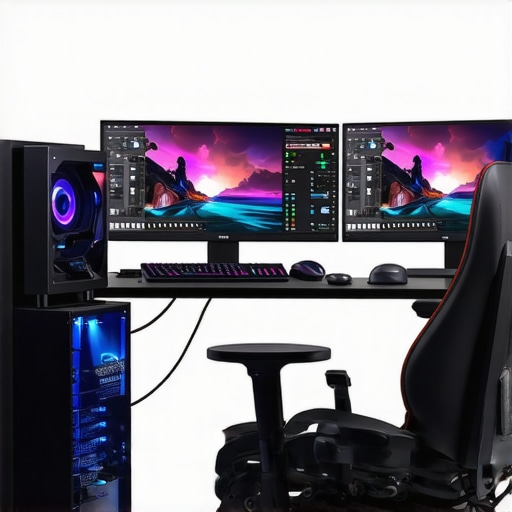
![The $1,200 4K Editing PC: Real-World Performance Benchmarks [2026]](https://videoediting.editinggearpro.com/wp-content/uploads/2026/01/The-1200-4K-Editing-PC-Real-World-Performance-Benchmarks-2026.jpeg)